
Table of Contents
- What You’ll Need to Track International Sea Freight
- Track Shipping Container by Number: Step-by-Step
- Sea Freight Tracking by Bill of Lading: How to Search
- Understanding Container Tracking Status Meanings
- Sea Freight Transit Time: What to Expect
- Troubleshooting Tracking Issues and Failed Searches
- Moving Beyond Vessel Location: End-to-End Visibility
- Conclusion
- Frequently Asked Questions
Last Updated: October 19, 2026
What You’ll Need to Track International Sea Freight
To track international sea freight effectively, you need the right reference numbers. Without them, you cannot access carrier portals or third-party tools. The most critical are your bill of lading number and container number.
Your bill of lading (BOL) is the master document issued by the shipping company, containing shipment details, ports and a unique reference number.
Essential reference numbers and where to find them
Bill of Lading Number: Appears on the BOL document, typically top right, a 10-12 character alphanumeric code received after the shipment is loaded.
Container Number: Found on the container and your shipping documents, four letters (owner code) followed by seven digits.
Booking Reference: Your reservation number, issued when you book space. Check your booking confirmation email or your forwarder’s quote.
Track Shipping Container by Number: Step-by-Step
Tracking a container by its number is the most direct method. Most shipping lines offer free online portals where you enter the container number for updates on vessel location and port operations.
Locating your container reference
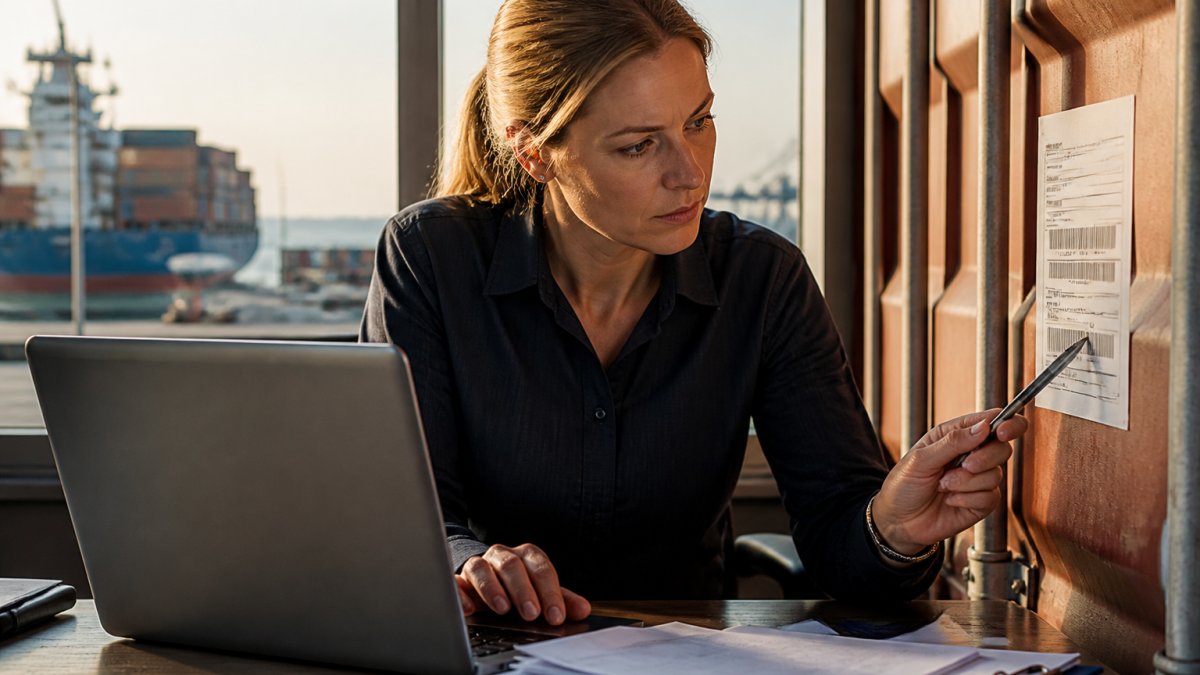
Your container number is printed on the physical container in large white letters, and listed on your bill of lading, booking confirmation and packing lists.
If you’re importing goods, your forwarder or the exporter should have provided this number. If you cannot find it, contact your forwarder or the shipping line, they can locate it using your booking reference.
Accessing carrier tracking portals
Most major shipping lines operate their own tracking websites. Find the “Track Shipment” or “Track Container” section, enter your container number, and within seconds you’ll see the current status.
The tracking portal shows:
- Current vessel location and name
- Port of origin and destination
- Estimated arrival date at destination
Portal layouts differ slightly, but the process is identical: enter container number, click search, view results. Most portals are free and require no login.
Sea Freight Tracking by Bill of Lading: How to Search
Tracking by bill of lading number is equally effective and often preferred when you have multiple containers under a single BOL, since it consolidates information about your entire shipment.
Enter your BOL number into the carrier’s tracking portal.
If you’re using a freight forwarder, they typically issue a house BOL.
The BOL number format varies by carrier but is typically 10-12 characters and appears prominently on the bill of lading.
Understanding Container Tracking Status Meanings
Container tracking status codes tell you where your shipment is in the transport cycle, but the label alone is not useful. What matters is what each milestone means for your next action, who is responsible, what document is due, and what to do if the status has not moved.
Common tracking events and what to do next
| Status you see | What it actually means | Your next action |
|---|---|---|
| Booking confirmed | Space is reserved; the container has not been packed or gated in | Confirm the cut-off dates with your forwarder; ensure export documentation is drafted |
| Empty container pick-up | The carrier has released an empty box to the shipper | Confirm packing is scheduled before the gate-in cut-off |
| Gate in (full) | The loaded container has entered the terminal | Check the vessel loading list; confirm the VGM (verified gross mass) declaration has been lodged |
| Loaded on vessel | The container is physically on the ship | Confirm the bill of lading has been issued and the export declaration has been lodged |
| Departed | The vessel has sailed from the load port | Note the actual departure date; compare against the proforma schedule |
| Transshipment | The container is being moved between vessels at an intermediate port | Check the connecting vessel’s schedule; transshipment is the most common cause of apparent stalls |
| Arrived | The vessel is at the discharge port but the container may still be on board | Prepare import documentation and pre-clearance where possible |
| Discharged | The container is off the vessel and in the terminal | Confirm terminal availability and arrange customs clearance |
| Customs held / under inspection | The border authority has flagged the consignment | Respond to the broker immediately; holds can accrue storage charges |
| Available for pick-up | Terminal release has been granted | Book transport; check the empty return window and free-time expiry |
| Empty returned | The container is back with the carrier | Reconcile detention charges and close the file |
Reading the difference between a status and a milestone
A status is a snapshot; a milestone is an event with a timestamp. Carrier portals often bury the event history, so always open the event list, a container showing “in transit” with a timestamp from nine days ago is a different situation from one updated this morning.
If a status has not changed for longer than the scheduled transit between two milestones, treat it as an exception rather than a normal delay. A container that has not moved from “gate in” within 48 hours of the cut-off is usually a documentation or VGM issue, not a vessel issue.
Status codes vary by carrier
Carrier portals do not use a single vocabulary. One line may say “discharged” where another says “unloaded”, and some use two-letter event codes that are not self-explanatory. If a code is unclear, the carrier’s own event-code legend is authoritative, do not assume a code means the same thing across carriers. Where a forwarder is involved, their system usually translates codes into plain-language milestones.
What delays and alerts indicate
Port congestion: High volume at the terminal extends berth waiting and unloading.
Weather delay: Severe weather has slowed or rerouted the vessel.
Mechanical issue: A vessel technical problem requiring repair.
Documentation issue: Missing or incorrect paperwork flagged by customs or the terminal.
Holds or detentions: The container is held by customs, the port authority or the carrier for inspection.
The status label tells you where the container is; the event timestamp and the responsible party tell you what to do next. Track the event history, not just the headline status.
Sea Freight Transit Time: What to Expect
International sea freight transit times depend on route, vessel speed, port congestion and seasonal factors.
Most ocean voyages between major ports take 10-45 days. These are ocean transit times only, add 3-7 days for origin port operations, customs clearance and destination port operations.
Port congestion significantly impacts total transit time. During peak seasons (September-November in the Asia-Pacific region), a shipment that normally takes 21 days might take 28.
Vessel speed varies by ship type and age. Modern container ships cruise at 20-24 knots; older vessels at 16-18 knots.
Weather and seasonal routing also affect timing.
Troubleshooting Tracking Issues and Failed Searches
Tracking searches fail for specific reasons. Understanding them helps you resolve the issue quickly without waiting for customer service.
Common reasons tracking won’t display
Incorrect Container or BOL Number: The most common reason. Double-check the number you entered matches your shipping documents exactly.
Shipment Not Yet Loaded: If you booked space but the container hasn’t been loaded onto the vessel yet, tracking won’t show movement.
Wrong Carrier Selected: If you’re searching on the wrong shipping line’s portal, you won’t find your shipment.
Data Delay: Carrier tracking systems update every 6-12 hours, not in real time.
How to verify and correct reference numbers
Open your bill of lading document and locate the container number. Copy it exactly as written, including any leading zeros.
If you have multiple shipping documents, verify that the container number is consistent across all of them.
If tracking still fails, contact your freight forwarder or the shipping line directly. Provide them with your booking reference.
Moving Beyond Vessel Location: End-to-End Visibility
Carrier tracking portals show vessel location and port status, but they do not show everything. True end-to-end visibility means following the consignment through port handling, customs clearance, inland transport and final delivery, and knowing which tool to use at each stage. The comparison below explains the three main tracking methods, their trade-offs, and where each fits.
Comparing carrier portals, multi-carrier aggregators and AIS vessel maps
| Method | What it is good for | Limitations |
|---|---|---|
| Carrier portal | Authoritative status for that carrier’s own containers; free; no login for basic search | One carrier at a time; event codes vary; updates can lag by hours; no inland or customs detail |
| Multi-carrier aggregator | Searching several carriers and forwarders from one screen; consolidated dashboards; alerts | Data is only as fresh as the underlying carrier feed; coverage gaps for smaller lines; may not show house bill detail |
| AIS vessel map | Seeing where the vessel physically is, including mid-ocean and around ports | Shows the vessel, not the container; AIS coverage can drop in some sea areas; does not confirm whether your box is on board |
| Forwarder system | House bill milestones, customs status, inland legs and delivery confirmation | Only covers shipments booked through that forwarder; visibility depends on the forwarder’s integrations |
A common pattern is to use the carrier portal for the authoritative container event, an aggregator for cross-carrier oversight, and the forwarder system for the import-side steps the carrier never sees. None of the three replaces the others.
Why a shipment can look stationary
A container can appear stuck for reasons that have nothing to do with a problem. Carrier systems update on a cycle rather than in real time, so a departure may not appear for several hours. AIS coverage can drop in some ocean regions, so the vessel marker freezes even though the ship is moving. Transshipment is the most common cause of a long gap: the container is waiting at an intermediate port for a connecting vessel, and neither the original nor the connecting carrier may show a clean handover event.
The stages carrier portals do not cover
Vessel tracking stops at the discharge port. The steps that most often affect your actual delivery date happen after that:
- Customs clearance: In Australia, import declarations are lodged through the Integrated Cargo System (ICS) operated by the Australian Border Force. Clearance status sits with your broker, not the carrier portal.
- Biosecurity: The Department of Agriculture, Fisheries and Forestry assesses goods and containers for biosecurity risk, and inspections or treatments can add days that never appear on a carrier tracking page.
- Terminal release and storage: Once free time expires, storage charges accrue at the terminal. The release status is held by the terminal operator, not the shipping line.
Do not treat “available for pick-up” as the end of the journey. Until customs and biosecurity clearance are complete and the terminal has released the container, the shipment is not free to move, and storage charges can accrue from the day free time expires.
Building a single view
The practical approach is to map each stage to its owner: carrier for ocean events, broker for customs and biosecurity, terminal for release, transport provider for inland legs, and consignee for delivery. A visibility platform is useful when it pulls those sources into one timeline and raises an alert on exceptions, a hold, a missed connection, an expiring free-time window, rather than simply repeating the carrier’s vessel position.
End-to-end visibility is a chain of owners, not a single map. Match the tool to the stage, and treat customs, biosecurity and terminal release as tracking events in their own right.
Conclusion
Tracking international sea freight requires knowing your reference numbers, understanding tracking portals, and interpreting status codes correctly.
The real challenge isn’t finding tracking information, it’s getting visibility beyond vessel arrival.
At Seatram, we provide end-to-end tracking that covers every stage of your shipment.
Request a quote from Seatram today and experience tracking that actually gives you the visibility you need to manage your supply chain confidently.
Frequently Asked Questions
What information do I need to track a sea freight shipment?
You’ll need at least one of three reference numbers: a container number (typically 11 digits starting with letters), a bill of lading number, or a booking reference. Your freight forwarder or shipping company provides these on your shipping documents. If tracking one reference doesn’t work, try another, different carriers prioritise different numbers in their systems. Container numbers are usually the most reliable starting point.
How do I track sea freight with a bill of lading number?
Log into your shipping carrier’s online portal and select the bill of lading search option. Enter the complete number exactly as it appears on your documentation. Most carriers display shipment status, vessel information, and estimated arrival dates. If the number doesn’t return results, verify it’s correct, even a single digit error will fail. Some carriers require you to enter the shipper or consignee name alongside the number.
What do common sea freight tracking statuses mean?
Key statuses include ‘Booking Confirmed’ (shipment reserved), ‘Container Loaded’ (cargo on vessel), ‘Vessel Departed’ (ship left origin port), ‘In Transit’ (on the water), ‘Vessel Arrived’ (at destination port), and ‘Customs Clearance’ (awaiting import approval). Red flags include ‘Held for Documentation’ (paperwork incomplete), ‘Port Congestion’ (delays expected), or ‘Awaiting Pickup’ (delivery not yet arranged). Status updates typically occur every 1-3 days depending on the carrier’s systems.
Why is my sea freight tracking not updating?
Tracking delays are common during port congestion, customs inspections, or vessel delays. Data may not sync immediately between carriers and their portals, updates can lag by 24-48 hours. Verify you’re using the correct reference number and searching the right carrier’s system. If a shipment shows no activity for over a week after vessel arrival, contact your freight forwarder or carrier directly; the shipment may be held pending documentation or customs clearance.