
Table of Contents
- What Last Mile Tracking Is and Why It Matters
- How Last Mile Tracking Works
- Last Mile Delivery Tracking: From Warehouse to Destination
- Real-Time Delivery Tracking and Shipment Status Updates
- Proof of Delivery and Shipment Confirmation
- Delivery Tracking API Integration for Supply Chain Visibility
- Common Tracking Limitations and Delays
- Frequently Asked Questions
Last Updated: October 13, 2026
What Last Mile Tracking Is and Why It Matters
Last mile tracking is the real-time visibility of a shipment during its final journey from a distribution centre to the customer’s door, the moment when delivery expectations become reality.
The last mile is where most delivery problems happen: delays, lost items, failed attempts, and damaged goods typically occur in this final leg. Seeing exactly where your shipment is right now gives you control instead of surprises.
For businesses managing international freight, perishables, or time-sensitive cargo, last mile tracking turns logistics from a black box into a transparent process: you and your customers know when to expect delivery, and your team can respond before issues escalate.
Real-time last mile tracking can reduce customer complaints because visibility removes uncertainty, you know about a delay immediately, not after a missed delivery attempt.
The best tracking systems update every 15-30 minutes during the final delivery day, not once daily. Real-time means real-time, not batch updates.
How Last Mile Tracking Works
Last mile tracking matches a unique shipment identifier to a carrier’s event record, then translates each event into a status you can act on. Getting the identifier right and reading the status correctly matters more than the technology chain.
Step 1: Find the correct tracking identifier
Different identifiers unlock different views. Using the wrong one is the most common reason a lookup returns “no results”.
- Container number, a four-letter owner prefix plus seven digits (for example, MSCU1234567), with a check digit. It tracks the physical box, not your cargo, and works on shipping line and terminal portals.
- Bill of lading (B/L) number, the contract of carriage between shipper and carrier. It groups all containers on one booking and is the best identifier for ocean freight status and customs release.
- Booking number, issued when space is reserved, before the B/L exists. Useful for early milestones such as empty container pickup and gate-in.
- Consignment or tracking number, used by parcel and road couriers for the final leg. This is the number that drives last mile scans.
- Vessel name or voyage number, tracks the ship, not your shipment. Use it to check port schedules and transshipment connections, never to confirm your cargo is on board.
Where each appears: the container number on the container door and terminal interchange receipt; the B/L number at the top of the bill of lading and on the commercial invoice; the booking number in the carrier’s booking confirmation email; the consignment number on the label or forwarder’s dispatch note.
If a lookup returns nothing, check the identifier type before assuming the shipment is lost. A container number entered into a parcel courier’s portal will always fail.
Step 2: Enter it in the right place
Carrier portals accept only their own identifiers: a shipping line portal rejects a courier consignment number, and vice versa. With several carriers, a neutral aggregator or your forwarder’s platform searches across all of them from one field.
Step 3: Read the status, not just the location
A location pin without a status is ambiguous. The status tells you what’s happening and what to do next:
- Empty pickup / gate-in, the container has been collected and returned to the terminal. Action: confirm the cut-off has been met.
- Loaded on board, cargo is physically on the vessel. Action: nothing; this confirms the sailing.
- In transit, moving between ports or hubs. Action: monitor for transshipment.
- Transshipment, discharged at an intermediate port to await a connecting vessel. Action: check the connecting vessel’s ETA; this is where most delays hide.
- Discharged / arrival, unloaded at the destination port. Action: prepare customs documents.
- Customs hold, awaiting clearance or inspection. Action: contact your broker with the entry number.
- Out for delivery, on the final vehicle. Action: ensure someone can receive it.
- Delivered, handed over with proof of delivery. Action: reconcile against the purchase order.
Step 4: Understand ETA versus ETD
Estimated time of departure (ETD) is when the vessel or vehicle is scheduled to leave; estimated time of arrival (ETA) is when it is scheduled to arrive. Both are estimates until confirmed by a scan, and a confirmed arrival event overrides the ETA, always trust the scan over the schedule.
The identifier determines what you can see, and the status determines what you should do. Location alone is not tracking.
Last Mile Delivery Tracking: From Warehouse to Destination
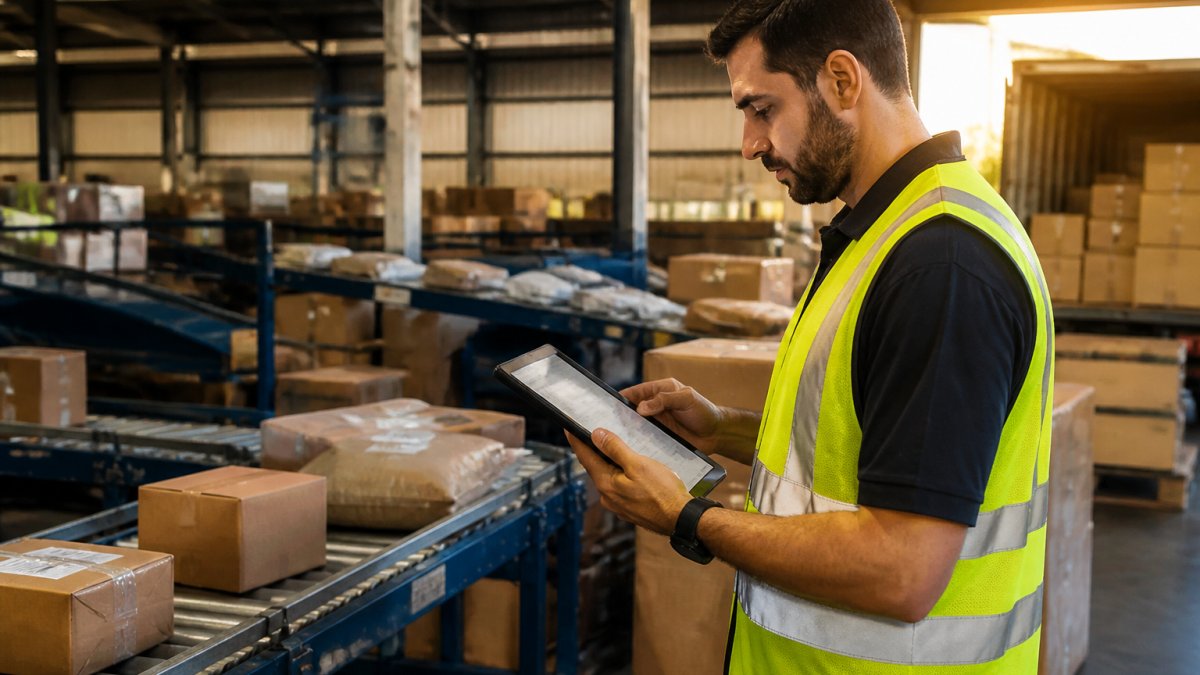
Delivery tracking begins when a shipment leaves the warehouse and ends at the final destination. Knowing each stage tells you what to expect and when.
Stage 1: Warehouse Departure
The shipment is scanned, loaded onto a delivery vehicle, and assigned to a driver. Your tracking system shows “out for delivery” status.
Stage 2: Route Progression
As the driver makes stops, each delivery is scanned.
Stage 3: Delivery Attempt
The driver arrives at the destination address. The shipment is scanned again.
Stage 4: Proof of Delivery
Once delivered, the driver captures a signature, photo, or digital confirmation, uploaded to the tracking system within hours so you receive confirmation of arrival.
Warehouse to doorstep typically takes 1-3 business days domestically, depending on distance and delivery density. International shipments need additional clearance steps before the last mile phase.
Businesses shipping perishable goods or high-value items need tracking at every stage because delays at any point can cause spoilage or security risks.
Real-Time Delivery Tracking and Shipment Status Updates
Real-time delivery tracking shows where your shipment is right now, not yesterday, and requires direct integration between the carrier’s mobile app and your tracking portal.
When a driver scans a package, the scan goes to the carrier’s central system.
Shipment status updates follow a standard sequence:
- In Transit – Package is moving toward destination
- Out for Delivery – Driver has the package on the delivery vehicle
- Delivery Attempted – Driver tried to deliver but recipient was unavailable
- Delivered – Package handed over and confirmed
- Exception – Delay, address issue, or delivery problem occurred
Each status tells you something actionable. “Out for delivery” means be ready. “Delivery attempted” means you need to reschedule. “Exception” means contact your carrier immediately.
Real-time accuracy depends on driver compliance, whether packages are scanned consistently at each stop.
Our clients benefit from carriers we’ve vetted for reliable scanning practices. We know which carriers update tracking consistently and which ones leave gaps. That knowledge saves you from surprises.
Proof of Delivery and Shipment Confirmation
Proof of delivery is the digital record confirming your shipment reached its destination and was accepted, your evidence that the delivery obligation was fulfilled.
Modern proof of delivery systems capture one or more of these elements:
- Recipient signature – Digital signature captured on driver’s mobile device
- Photo evidence – Driver takes a photo of the package at the delivery location
- GPS coordinates – Location is recorded at the moment of delivery
- Timestamp – Exact date and time of delivery is logged
- Recipient name – The person who accepted the package is recorded
Proof of delivery is legal evidence the shipment was delivered, protecting you in customer disputes and helping resolve claims if a package is reported missing.
For perishable goods or high-value items, photo proof is critical. A photo shows the condition of the package when delivered and confirms it reached the correct address. This protects both you and your customer.
If a customer claims they never received a package, proof of delivery with GPS coordinates and a photo is your strongest defence. Without photo evidence, disputes are harder to resolve.
Delivery Tracking API Integration for Supply Chain Visibility
A delivery tracking API connects your systems to carrier networks, pulling real-time shipment data into your platform without manual intervention.
Instead of checking each carrier’s website separately, an API integration displays all shipments in one dashboard. When a shipment updates on the carrier’s system, your dashboard updates automatically within minutes.
API integration is especially valuable with multiple carriers: instead of logging into five portals to check five shipments, all five appear in one view.
The benefits of API integration include:
- Unified visibility – All shipments in one dashboard regardless of carrier
- Automated alerts – Delays or exceptions trigger notifications automatically
- Historical data – Tracking history is retained for audits and analysis
- Faster problem detection – You spot delays before customers do
- Better forecasting – You can predict delivery windows with greater accuracy
Setting up API integration requires your logistics provider to have established carrier connections, not every forwarder maintains these. Our platform connects with the carriers we use most frequently, so shipments appear in real time without manual lookups.
API integration costs vary: some carriers integrate free for major partners, others charge fees.
Common Tracking Limitations and Delays
Tracking gaps are not random, each has a mechanical cause, and knowing it tells you whether to wait, escalate, or verify through a second source.
Scanning gaps
Not every point in the chain has a scanner.
Batch processing latency
Many carrier systems upload events in batches rather than instantly.
Customs clearance blind spots
Customs systems operate separately from commercial tracking platforms and do not always publish intermediate events.
Handoffs between carriers
When a long-haul carrier passes a parcel to a local delivery partner, the receiving system may not have ingested the shipment record yet.
Estimated versus confirmed times
Tracking shows location, but it cannot predict weather, traffic, or mechanical failure.
Ocean, rail, and air differences
Ocean freight may show no events for days while the vessel is at sea, because there is nothing to scan between ports.
If two sources disagree, trust the one closest to the physical event, a terminal or carrier scan beats a forwarder’s summary, and a confirmed event beats an estimate.
Verifying conflicting information
When a portal, a forwarder, and a customer all report different statuses, work backwards from the most recent confirmed scan. Cross-check the container number on the terminal’s own portal, the B/L number on the carrier’s portal, and the consignment number with the final-mile courier. If all three agree, the status is reliable. If they disagree, the most recent physical scan wins.
Privacy and data handling
Tracking portals expose shipment details, so treat identifiers as sensitive: don’t share container or B/L numbers publicly, use caution on unsecured networks, and give customers only the consignment number they need for the final leg. Where a forwarder holds your data, confirm retention periods and access.
Most tracking gaps are caused by missing read points, batch uploads, or system boundaries, not by lost cargo. Match the fix to the cause before escalating.
Frequently Asked Questions
What is the difference between last mile tracking and freight tracking?
Freight tracking monitors shipments across ocean, air, or rail networks, covering the bulk of the journey from origin to destination port or hub. Last mile tracking begins where freight tracking ends, focusing on the final leg from distribution centre or port to the customer’s door. Freight tracking provides vessel and container visibility; last mile tracking shows real-time driver location, estimated arrival, and proof of delivery. Both are essential for end-to-end supply chain visibility.
How can I track a delivery in real time?
Most carriers and freight forwarders provide online tracking portals or mobile apps where you enter your shipment reference number or booking number. Real-time delivery tracking uses GPS and driver location data to show your shipment’s current position, estimated time of arrival (ETA), and status updates. Some providers also offer SMS or email notifications when milestones occur. For API integration, businesses can embed tracking directly into their own systems to monitor multiple shipments simultaneously across their supply chain.
What causes delays in last mile delivery tracking updates?
Updates depend on driver device connectivity, network coverage, and how frequently the system refreshes location data. In remote areas or during poor weather, GPS signals weaken, causing gaps in tracking. Customs clearance, transshipment between carriers, or unexpected route changes can also create delays in status visibility. Additionally, some providers update less frequently during off-peak hours. Understanding these limitations helps set realistic expectations for tracking accuracy and delivery windows.
How does proof of delivery work in last mile tracking?
Proof of delivery (POD) is recorded when the driver physically delivers the shipment and obtains a signature, photo, or digital confirmation from the recipient. This data is uploaded to the tracking system, marking the shipment as completed. POD serves as legal evidence that cargo arrived safely and on time, protecting both the shipper and carrier. It also triggers billing, customs documentation closure, and customer notifications. Reliable POD is critical for dispute resolution and supply chain auditing.